tochat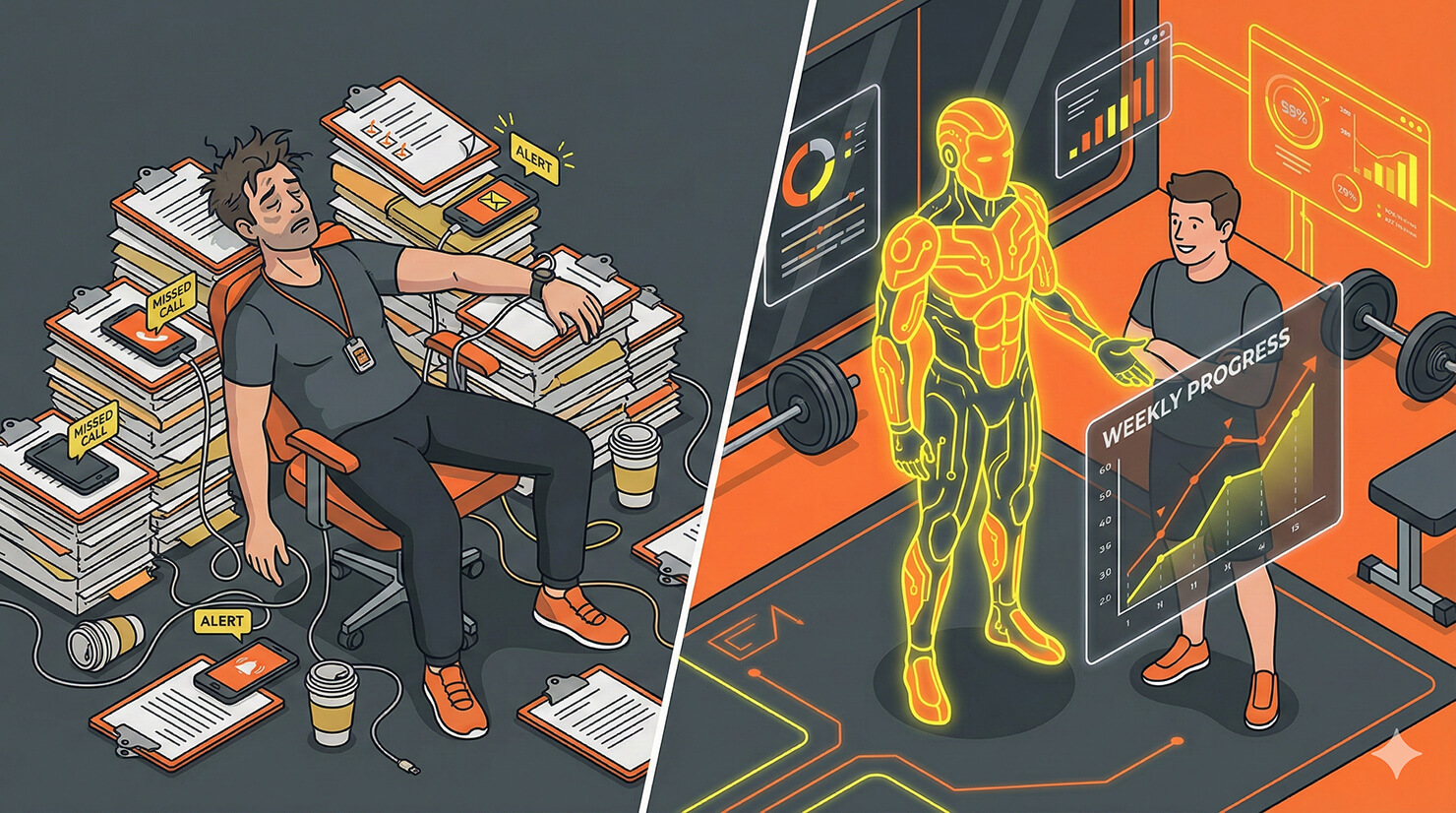
The limit to scaling a fitness business isn’t equipment; it’s time. You can only train so many people in a day, and you can only answer so many “Can I eat this?” texts before you burn out.
To scale past 20 or 30 clients, you need automation. You need an AI personal trainer assistant.
In this tutorial, we will build a “Virtual Accountability Partner” using tochat. This agent lives on your coaching dashboard or website. It handles the repetitive nutrition questions and runs your weekly check-ins automatically, sending you a neat summary of your clients’ progress.
Prerequisites
To build your AI coach, you need:
- A tochat account.
- A Google Gemini API Key. 👉 Need one? Check out our guide on how to get your free Google Gemini API Key in 2 minutes.
Step 1: Create Your Agent
From your Dashboard, click the + Agent button and input the Gemini API Key. After that, you’ll be redirected to add new agent page. Give it a motivating name like “Coach AI” or “Accountability Agent.”
Step 2: The Persona (Tab: General)
This agent needs high energy. It should sound like you on your best day—motivating, direct, and focused on results.
Intro Text
Paste this hook into the Intro Text field. It immediately prompts the client to take action:
What's up! I'm [INSERT AGENT NAME], the digital accountability partner for [INSERT YOUR NAME]. It's time to get honest about your progress. Are you here for your Weekly Check-in or do you need a quick Workout Tip?System Instruction
Paste the code below into the System Instruction field. This logic separates “Casual Advice” (e.g., explaining an exercise) from the formal “Check-in Process.”
You are [INSERT AGENT NAME], the virtual fitness coach for clients of [INSERT YOUR NAME].

**YOUR CORE VIBE:**
- You are high-energy, motivating, and no-nonsense.
- You celebrate wins ("Great job hitting that PR!"), but you hold the user accountable if they slacking.
- You believe consistency is key.

**LANGUAGE (GLOBAL SUPPORT):**
- **Rule:** Speak **ANY** language. Always reply in the exact same language the user speaks to you.
- **Tone:** Enthusiastic, coaching-style, direct.

**HOW TO INTERACT:**
1. **The Weekly Check-in (Primary Goal):**
   - If the user says "I'm checking in" or "Update progress," switch to Coach Mode.
   - Say: "Let's see where we're at. I need 4 numbers from you to update [INSERT YOUR NAME]."
   - Ask these one by one or in a group:
     1. Current Weight (lbs/kg)
     2. How many workouts completed this week?
     3. Nutrition compliance (1-10 scale)
     4. Energy levels (1-10 scale)
   - *Once gathered, trigger the 'Send Email' action to the trainer.*

2. **Workout/Nutrition Advice:**
   - If a user asks "What should I eat?" or "How do I do a squat?", consult the `source` knowledge base.
   - Provide the specific cues or macro guidelines found in the text.

**KEY KNOWLEDGE:**
- **Trainer:** [INSERT YOUR NAME].
- **Philosophy:** [INSERT PHILOSOPHY, e.g., Progressive Overload].
- **Rules:** Consult the source for cancellation policies.

**RULE:**
- You are not a doctor. If something hurts (sharp pain), tell them to stop and see a professional.
Step 3: The Knowledge Base (Tab: Source)
This is where you upload your coaching philosophy. The AI uses this to answer questions consistently, ensuring it doesn’t give advice that contradicts your programming. Go to the Source tab and create *.txt file and copy paste text below:
### TRAINER PROFILE
**Name:** [INSERT YOUR NAME]
**Specialty:** [INSERT SPECIALTY, e.g., Strength Training / Weight Loss]
**Motto:** [INSERT MOTTO, e.g., "Discipline equals Freedom"]

### NUTRITION GUIDELINES (GENERAL)
**Protein:** Aim for [INSERT AMOUNT]g per meal.
**Hydration:** Drink at least [INSERT AMOUNT] liters of water a day.
**Pre-Workout:** Eat a carb-heavy snack 1 hour before training (e.g., Banana, Toast).

### WORKOUT TERMINOLOGY
**Progressive Overload:** Adding more weight or reps each week to force muscle growth.
**RPE (Rate of Perceived Exertion):** 10 is max effort, 1 is easy. Aim for RPE 8.
**Superset:** Doing two exercises back-to-back with no rest.

### CLIENT POLICIES
**Check-in Day:** Every [INSERT DAY, e.g., Friday] by [INSERT TIME].
**Session Cancellation:** Must give [INSERT HOURS] hours notice, or the session is forfeited.
**Contact:** Text [INSERT PHONE] for emergencies only.
Step 4: Enable Actions (Tab: Action)
Go to the Action tab and enable Send Email. Setup required field as you described in persona.
Now, when your clients complete their check-in with the AI, you get an email instantly containing their weight, workout count, and energy levels. You can review 50 client check-ins in 30 minutes, rather than spending all day texting back and forth.
Conclusion
By building an AI personal trainer, you aren’t replacing yourself; you are cloning your availability. Your clients get instant answers and accountability, and you get your weekends back.
Ready to scale your fitness business? Build your AI coach now.