tochat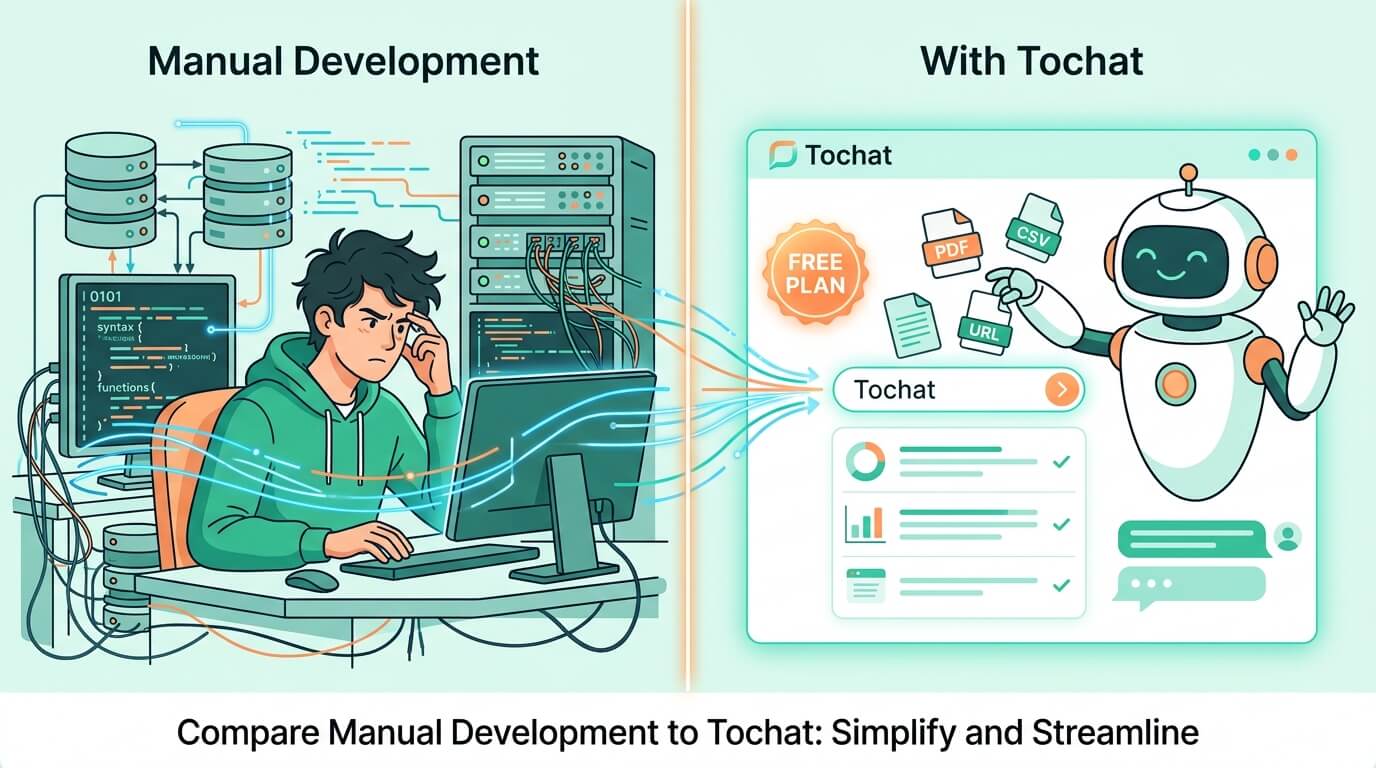
You’re ready to build your own custom AI agent, but where do you start? We break down the step by step creating AI agent process, from the manual “hard way” to the efficient, no-code Tochat method.
Creating a truly intelligent agent that can understand your business and take action isn’t a simple task. The traditional path is fraught with complex integrations, while Tochat offers a streamlined alternative that gets your agent up and running in minutes—completely for free. Let’s compare the two.
The Manual Method: A Complex Step-by-Step
Choosing the manual route is a journey of custom development and intricate system design. This approach requires significant technical expertise across multiple disciplines. Here is a high-level, step by step creating AI agent guide of the manual process:
- 1. Choose and Integrate Your AI Model: You need to select a foundation model (e.g., GPT-4, Llama 3) and integrate its API into your application. This involves complex authentication and custom code for communicating with the AI.
- 2. Build Your Data Retrieval System (RAG): This is the most challenging step. Your agent needs access to your data (PDFs, website content, databases). You must build a Retrieval-Augmented Generation (RAG) pipeline to ingest, store (in a vector database), and retrieve relevant information at runtime.
- 3. Define and Implement Tools (Actions): For your agent to do things like qualify leads or send emails, you must program the exact tools it can call, defining the parameters and executing the custom logic behind each action. This requires sophisticated function-calling implementation.
- 4. Construct and Optimize Your Prompt: You need to create a massive, complex system instruction (or “prompt”) that defines the agent’s persona, knowledge limits, tool usage, and tone. This is an art in itself and requires constant tweaking.
- 5. Develop a User Interface and Deploy: Finally, you have to build the front-end interface, set up authentication, and manage the entire deployment infrastructure (servers, scaling, security).
The Efficient Path: Step by Step Creating AI Agent on Tochat
Tochat eliminates the manual coding and integration steps, turning the complex step by step creating AI agent process into a no-code experience. You get a powerful agent that is natively white-labeled and embeddable anywhere, for free. Here is how Tochat streamlines the process:
Completely Free Agent Creation with Gemini
With Tochat, you get an AI agent that operates at zero cost on our Free Forever Plan. You simply generate your free Google Gemini API key and plug it into your Tochat dashboard, giving your agent world-class intelligence without the expensive subscription markups.
Effortless Training on Multiple Data Sources (RAG)
Tochat removes the burden of building RAG. Our platform natively understands the data you upload. In a simple interface, you can drag and drop multiple data sources, including PDFs, CSVs, Text files, and URLs—or even enter custom Q&A pairs. Tochat handles the complex indexing and retrieval automatically, enabling your agent to be trained on diverse knowledge instantly.
Powerful Actions and Automated Workflows
Manual function-calling is replaced by built-in “Actions” in Tochat. Your agent can be pre-configured to perform powerful tasks, such as automated lead capture (extracting name and email), triggering transactional emails, or making a direct Webhook call to external systems like Zapier or n8n to continue the workflow. You don’t write any integration logic; you just configure the output.
Ready-to-Embed White-Label Interface
The UI is already done. Your agent lives on a sleek, custom link-in-bio page, white-labeled to match your branding. With a simple iframe code, you can embed your agent natively directly on your WordPress, Shopify, or Wix website, owning the entire customer experience without the complex app ecosystem limitations.
Strategy Comparison: Choose Your AI Agent Journey
| Feature | Manual Development | Tochat Platform |
|---|---|---|
| Development Time | Weeks to Months | Minutes |
| Model Cost | Subscription/API markup | Wholesale (BYO Gemini Key) |
| RAG (Training Data) | Custom build pipeline | Native, Drag-and-Drop |
| Lead Capture | Custom integration | Native Automated Action |
| Embedding White-Label | Custom frontend development | Standard Iframe |
Own Your Workforce, Don’t Build It from Scratch
Manual development gives you total control, but it requires substantial resources, technical depth, and infrastructure management. Tochat removes the entire development burden, allowing you to own a powerful, custom, white-labeled AI workforce that is free to build, easy to train, and ready to automate your lead generation.
Start your efficient step by step creating AI agent journey today. Build your workforce in minutes and start conversations that convert. Click here to get Free Google Gemini API Key.