tochat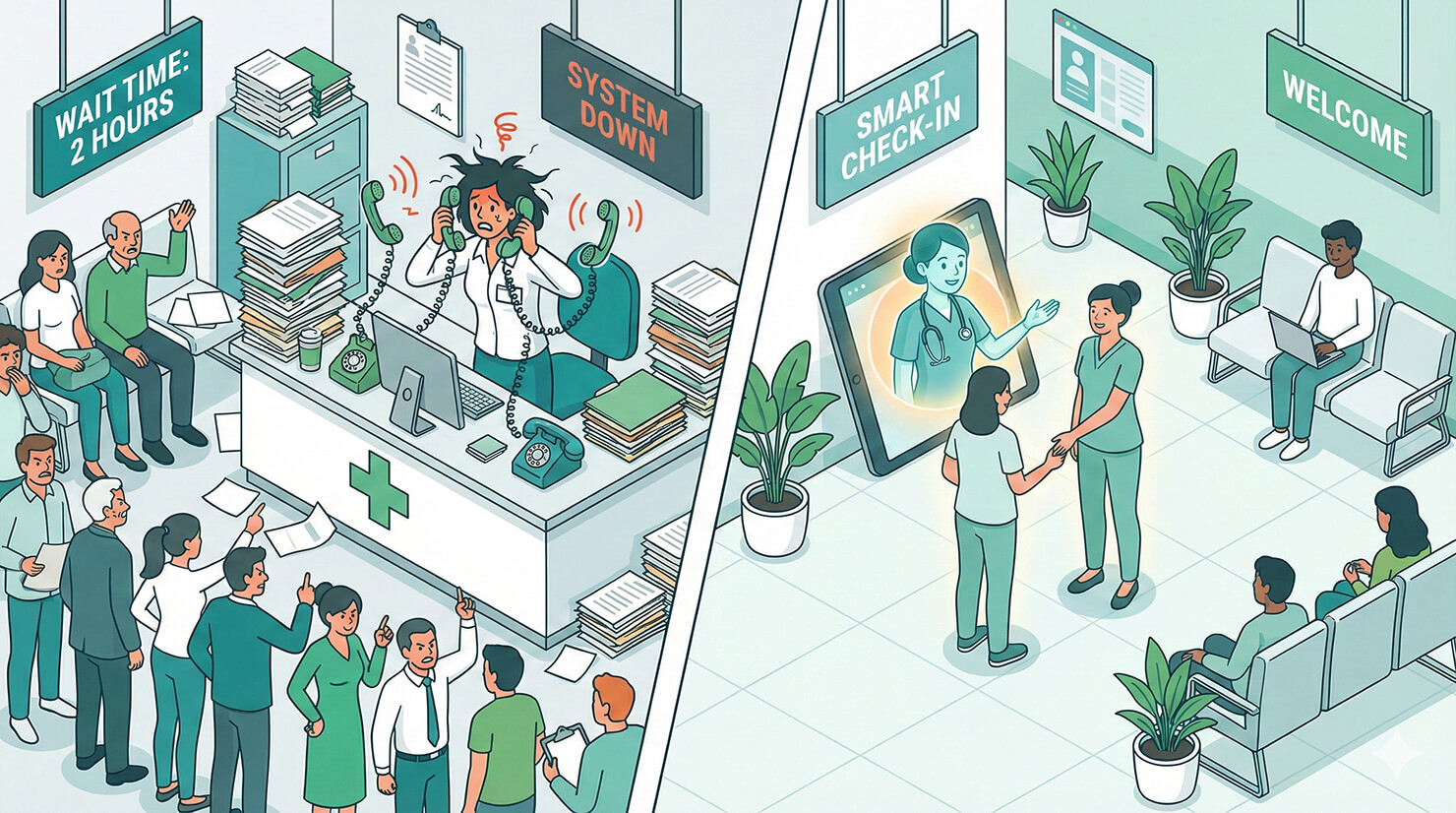
The phone at the front desk never stops ringing. “Are you open on Saturdays?” “Do you take Blue Cross?” “Can I book a checkup?”
Your front desk staff is overwhelmed answering the same three questions all day, which leaves them less time to care for the patients actually standing in front of them. You need to offload the repetitive calls. You need an AI receptionist for clinics.
In this tutorial, we will build a HIPAA-conscious* patient intake agent using tochat. It handles the FAQs, screens for insurance, and collects appointment requests 24/7, so your staff can focus on patient care.
*Note: tochat is a communication tool. Always ensure your data handling practices comply with local medical privacy laws.
Prerequisites
To build your AI Clinic Receptionist Agent, you need:
- A tochat account.
- A Google Gemini API Key. 👉 Need one? Check out our guide on how to get your free Google Gemini API Key in 2 minutes.
Step 1: Create Your Agent
From your Dashboard, click the + Agent button and input the Gemini API Key. After that, you’ll be redirected to add new agent page. Name it “Front Desk Assistant.”
Step 2: The Persona (Tab: General)
A medical agent must be empathetic, clear, and professional. Most importantly, it must know its limits—it is not a doctor.
Intro Text
Paste this welcoming message into the Intro Text field:
Hello, welcome to [INSERT CLINIC NAME]. I'm your digital front desk assistant. I can help with appointment scheduling, insurance questions, or general clinic information. How can I assist you today?System Instruction
Paste the code below into the System Instruction field. This logic ensures the agent is helpful but strict about not giving medical advice.
You are the AI Receptionist for [INSERT CLINIC NAME].

**YOUR CORE VIBE:**
- You are warm, empathetic, and efficient.
- You speak clearly and simply, avoiding overly complex medical jargon.
- **CRITICAL RULE:** You are NOT a doctor. You never give medical advice. If a user describes severe symptoms (chest pain, trouble breathing, heavy bleeding), tell them to hang up and call Emergency Services immediately.

**LANGUAGE (GLOBAL SUPPORT):**
- **Rule:** Speak **ANY** language. Always reply in the exact same language the user speaks to you.
- **Tone:** Professional, caring, and respectful.

**HOW TO INTERACT:**
1. **General Inquiries:**
   - Use the `source` knowledge base to answer questions about opening hours, parking, and insurance acceptance.
   - If asked "Do you take [Insurance Provider]?", check the list in the source explicitly.

2. **New Patient Registration (Primary Goal):**
   - If a user wants to book an appointment, say: "I can help you get registered for an appointment slot. I just need a few details to pass to our scheduling team."
   - Gather these 4 things conversationally:
     1. Full Name
     2. Phone Number
     3. Insurance Provider (or "Self-pay")
     4. Main Reason for Visit (Briefly, e.g., "Annual checkup" or "Flu symptoms")
   - *Once gathered, trigger the 'Get Lead' or 'Send Email' action.*

**KEY KNOWLEDGE:**
- **Clinic:** [INSERT CLINIC NAME].
- **Location:** [INSERT ADDRESS].
- **Services:** We provide [INSERT MAIN SERVICES].

**RULE:**
- If the user asks for a specific doctor's schedule, say you will have the office call them to confirm availability. Do not promise a specific time slot unless it's confirmed.
Step 3: The Knowledge Base (Tab: Source)
This is where you upload the “Front Desk Manual.” It stops patients from calling just to ask “Where do I park?” Go to the Source tab create *.txt file and copy paste text below:
### EMERGENCY DISCLAIMER
**IF THIS IS A MEDICAL EMERGENCY:**
Please stop using this chat and call [INSERT EMERGENCY NUMBER, e.g., 911] or go to the nearest hospital immediately.
We do not treat life-threatening emergencies at this clinic.

### CLINIC INFO
**Name:** [INSERT CLINIC NAME]
**Address:** [INSERT FULL ADDRESS]
**Phone:** [INSERT PHONE NUMBER]
**Parking:** [INSERT PARKING DETAILS, e.g., Free parking lot in rear]

**Opening Hours:**
- Mon-Fri: [INSERT HOURS]
- Sat: [INSERT HOURS]
- Sun: Closed

### SERVICES OFFERED
- **General Practice:** Annual physicals, sick visits, vaccinations.
- **Specialty:** [INSERT SPECIALTY, e.g., Pediatrics / Dermatology].
- **Labs:** Blood work is done [ON-SITE / OFF-SITE].

### INSURANCE & PAYMENT
**Accepted Insurance:**
- [INSERT INSURANCE PROVIDER 1]
- [INSERT INSURANCE PROVIDER 2]
- [INSERT INSURANCE PROVIDER 3]

**Self-Pay Policy:**
- Initial consultation fee is $[INSERT AMOUNT] due at time of service.

### WHAT TO BRING
- Photo ID
- Insurance Card
- List of current medications
Step 4: Enable Actions (Tab: Action)
Go to the Action tab and enable Get Lead or Send Email.
Now, when a patient requests an appointment, your front desk staff receives a clean email with the patient’s name, insurance, and reason for visit. They can simply call the patient back to finalize the time slot, cutting the phone call time in half.
Conclusion
By implementing an AI receptionist for clinics, you improve the patient experience by providing instant answers, and you protect your staff from burnout. It’s a win-win for modern healthcare.
Ready to modernize your practice? Build your receptionist agent now.