 tochat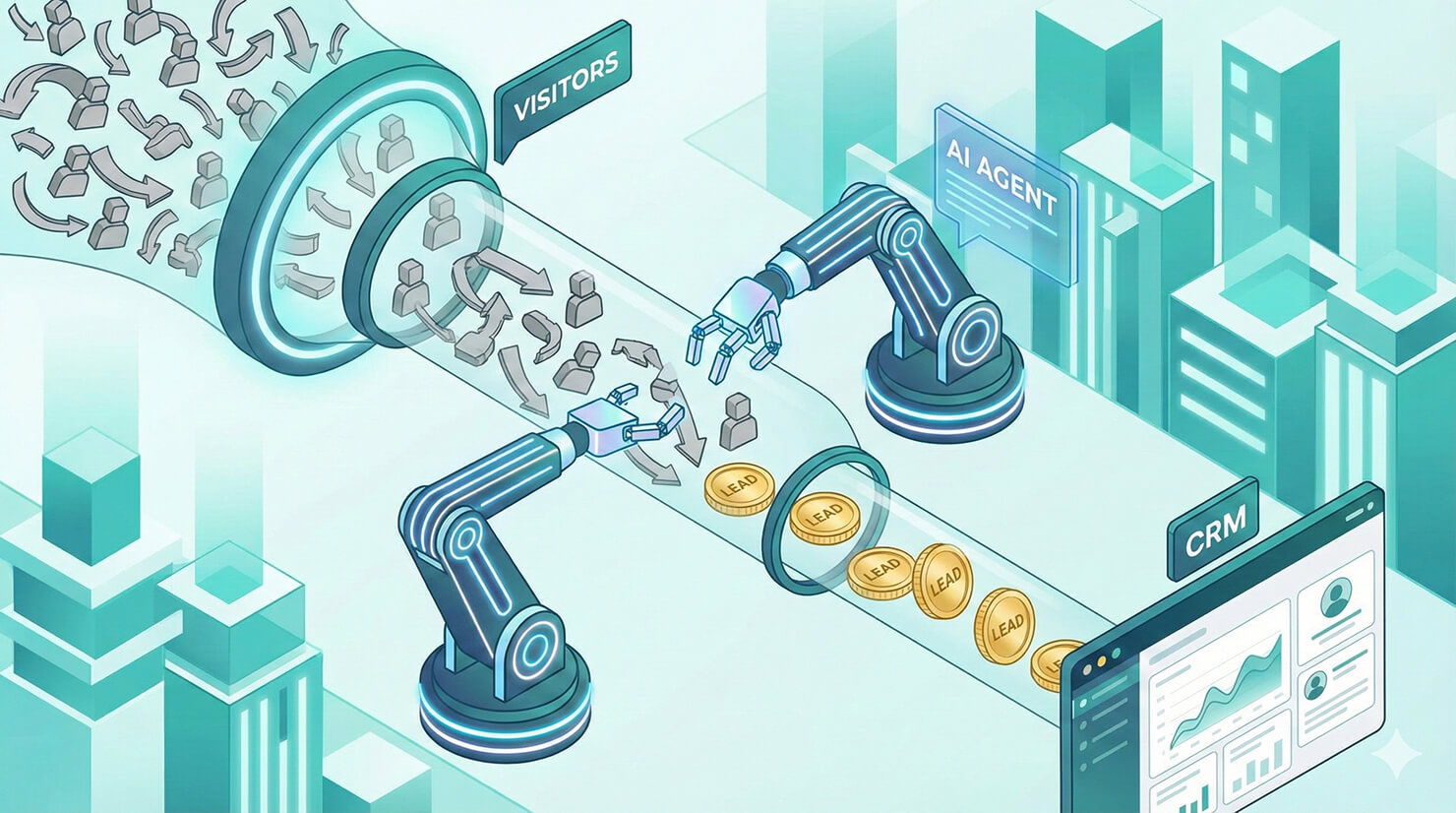
The “leaky bucket” problem is the nightmare of every business owner. You spend money on ads to drive traffic to your website, but 98% of those visitors leave without saying hello. Why? Because you can’t be there to greet them at 2 AM.
This is where the power to automate lead generation changes the game. By deploying an intelligent AI agent, you can turn your static website into a 24/7 sales machine.
In this guide, we’ll show you how to move beyond boring “Contact Us” forms and build an AI agent that proactively captures, qualifies, and syncs leads using tochat.
Why Chatbots Are Better Than Forms
Static forms are passive. They sit at the bottom of the page and wait. AI agents are active. They engage visitors the moment they arrive.
- Instant Qualification: Instead of collecting junk leads, an AI agent can ask qualifying questions (e.g., “What is your budget?”) before asking for contact info.
- 24/7 Availability: Chatbots never sleep. They capture leads while your sales team is in bed.
- Higher Conversion: Interactive conversations feel less like “work” than filling out a form, leading to higher completion rates.
Step 1: Configure “Lead Intake” in tochat
To automate lead generation effectively, you need to act fast. You don’t want the user to chat for 10 minutes anonymously; you want to capture their data upfront.
In your tochat Dashboard:
- Go to the Action Tab of your agent.
- Enable the “Get Lead” toggle.
- Add your required fields: Name, Email, Phone, Company Name.
Once enabled, your agent becomes a “Gatekeeper.” It will politely interview the visitor to gather these details before answering their specific questions.
Step 2: Connect to Your CRM (Webhooks)
Capturing the lead is only half the battle. You need that data in your sales pipeline immediately.
This is where Webhooks come in. tochat allows you to send the captured lead data + the chat transcript instantly to external tools.
- Zapier / Make: Send the lead to a Google Sheet or Slack channel.
- CRM: Pipe the data directly into HubSpot, Salesforce, or Pipedrive.
- Email Marketing: Add the email to a Mailchimp sequence automatically.
Just paste your Webhook URL into the Action Tab, and the handoff happens automatically after every conversation.
Step 3: Train the Agent to Sell
Don’t just make a support bot. Use the Persona Builder to tell your agent it is a “Sales Development Rep.”
Example System Instruction:
“You are a helpful sales assistant. Your goal is to help the user find the right product and encourage them to book a demo. If they ask about pricing, explain the value first.”
Conclusion
When you automate lead generation with AI, you stop relying on luck. You create a consistent, always-on funnel that captures value from every visitor.
Ready to build your lead capture bot? Start building on tochat for free today.